Documentation
Manuals
Complete owner documentation for setup, operation, and maintenance of every Rover unit in your fleet.
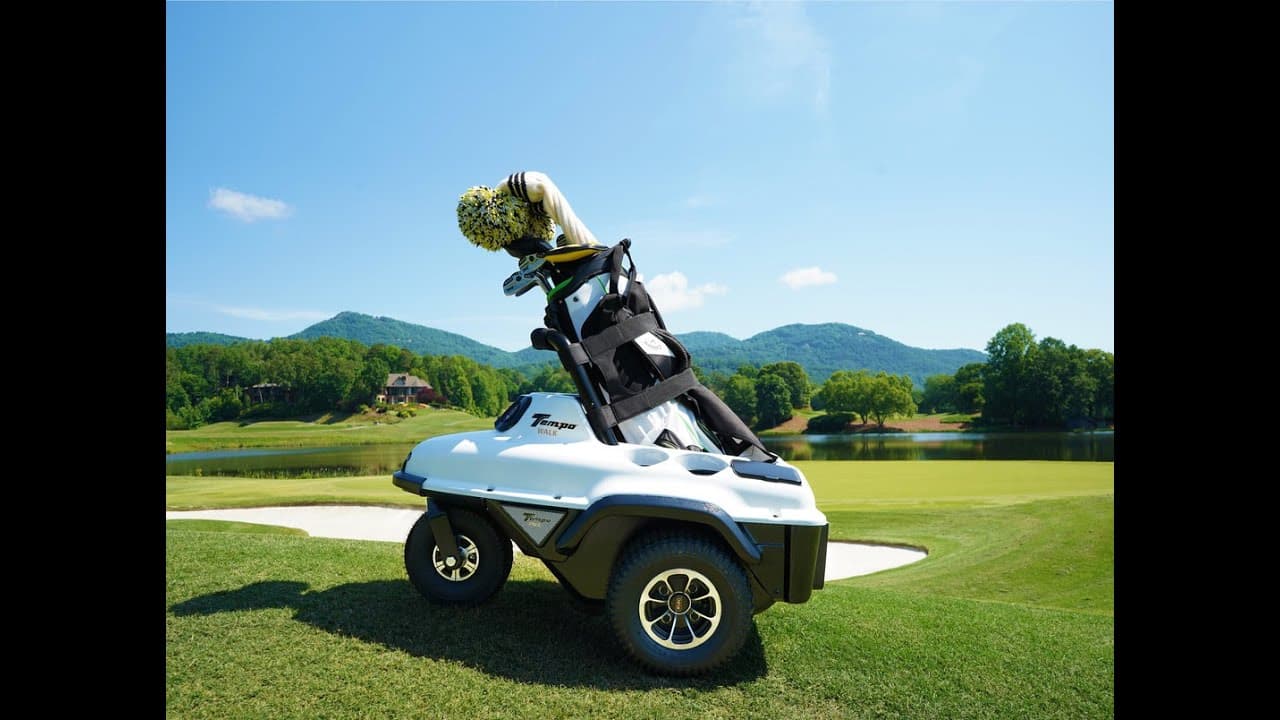
Everything you need to keep your Rover running — fleet or personal — from first delivery through the ten-thousandth round.
Complete owner documentation for setup, operation, and maintenance of every Rover unit in your fleet.
Most Rover issues are solved in minutes with the right information. Start here before contacting support.
Genuine Rover parts built for daily commercial course use. Modular — most replacements take minutes, not days.
Most Rover issues are resolved by adjusting settings, not replacing hardware. Here are the six we hear about most.
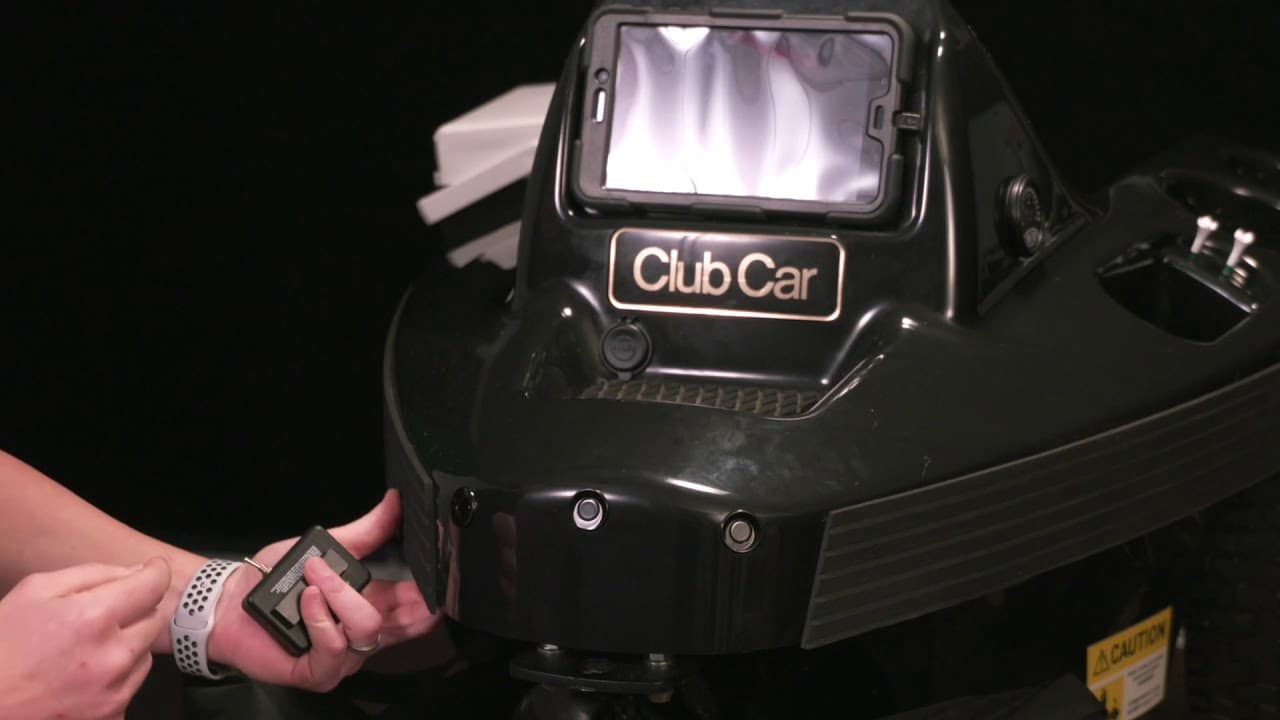
Channel mismatch between the unit and transmitter. Verify both are set to the same channel. Check transmitter battery. If recently serviced, the channel may have been reset. Strong 5G interference nearby — try high-power mode.
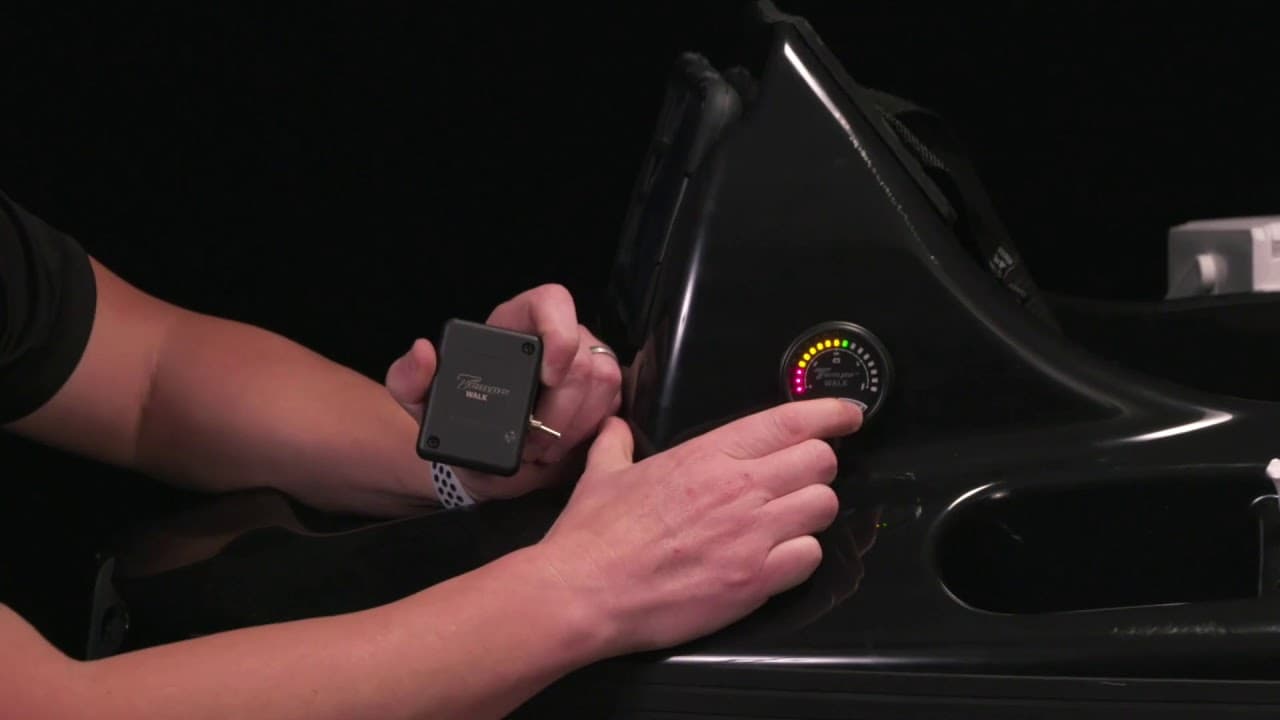
Watch the fix → Adjust Transmitter FrequencyPower or frequency settings need adjustment. Set to High Power for stronger signal. Mismatched frequency between unit and transmitter causes erratic following. Re-calibrate follow distance if recently adjusted.
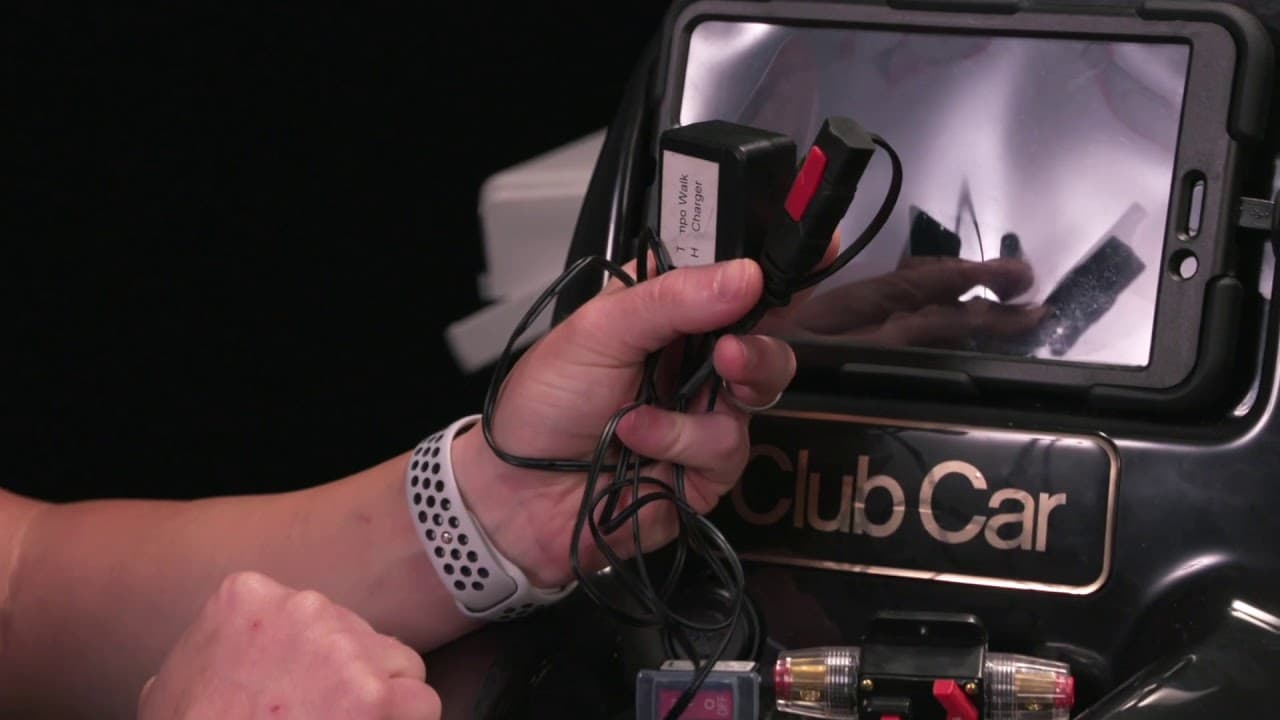
Watch the fix → Setting the FrequencyDamaged charging cable or port. Inspect the XLR charge port for debris or damage. Replace the cable before reattempting — a faulty cable can damage the transmitter board or battery.
Contact Support →This is Rover's hands-free safety feature. When a golfer turns to face the unit, a 3-second safety delay runs before Rover resumes following. Train staff and members during onboarding — it's the #1 source of confusion.
Watch the fix → Hands-Free Mode (3.0)Calibration issue — unit calibrated too close to the transmitter. Re-calibrate follow distance to the correct setting. Also inspect caster wheels — worn or damaged casters cause drift on uneven terrain.
Watch the fix → Caster Wheel ReplacementDeep discharge may need recovery charging. Do not use standard charging on a fully dead unit — follow the “Charge a Dead Unit” video below. Inspect battery cable connections and XLR cover.
Watch the fix → Charge a Dead UnitOur service team diagnoses remotely and ships replacement parts fast. Most issues resolved in 1–2 business days.
These are the parts our service team ships most often, organized by the symptom they solve. Modular design — no specialty tools needed.

First thing to check — debris or a cracked cover is the most common charge failure.
Inquire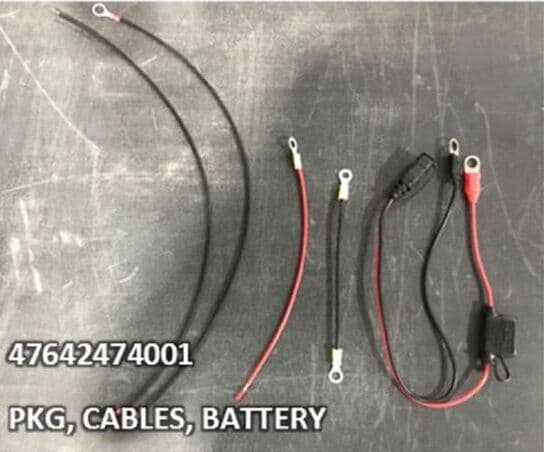
Replace after any damaged-cable diagnosis. A faulty cable can damage the battery board.
Inquire
Last resort after deep-discharge recovery fails. Includes install guide.
Inquire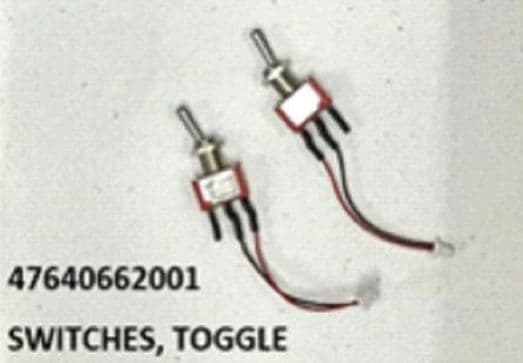
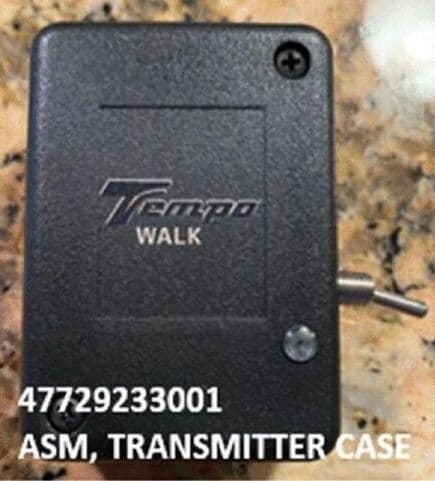
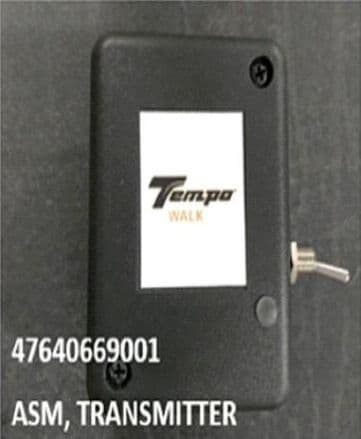
Lost or fully damaged. Pre-paired to your account — channel config included.
Inquire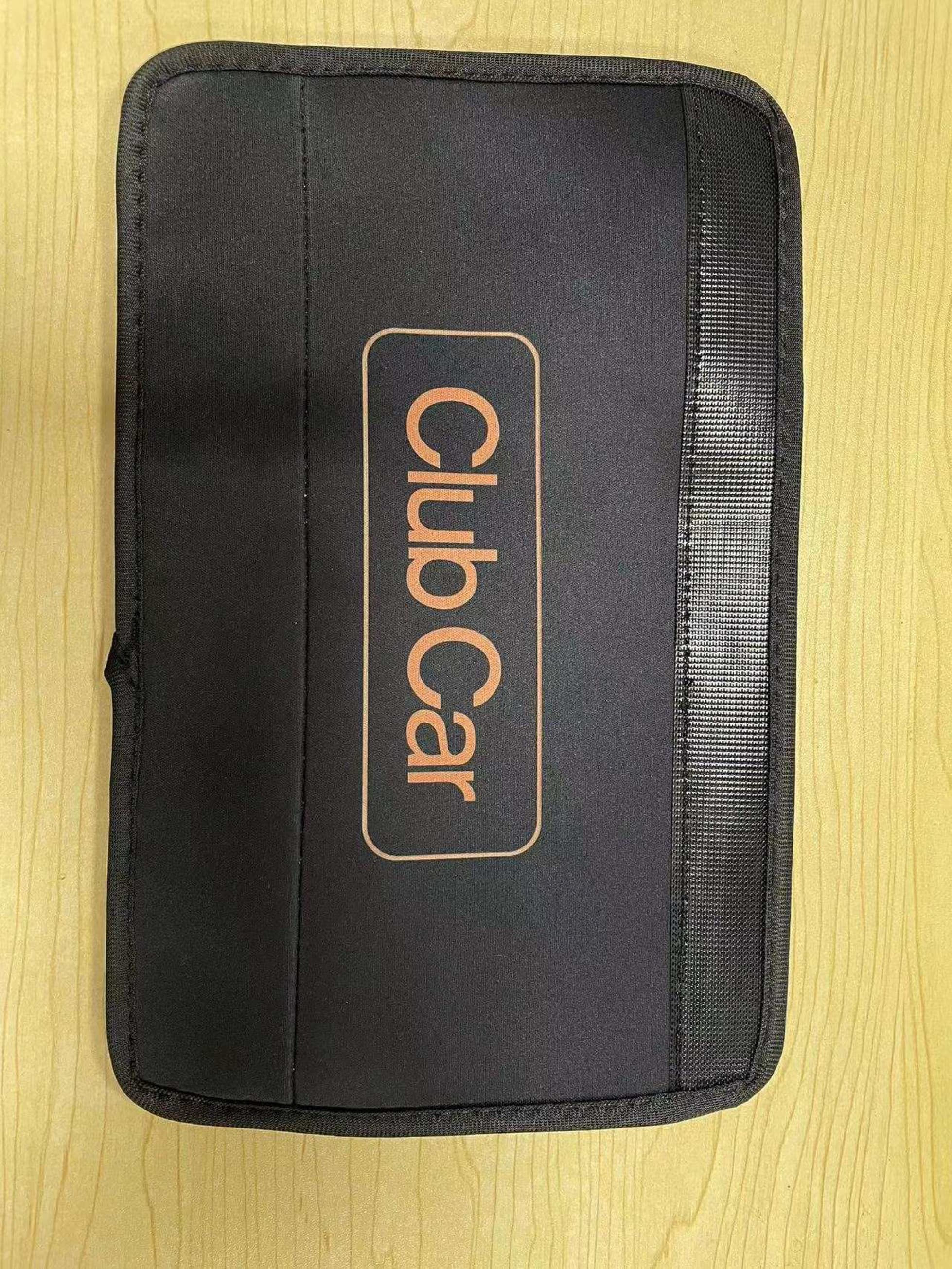
Protects the bag bar from wear. Replace every 1–2 seasons on high-use fleets.
Inquire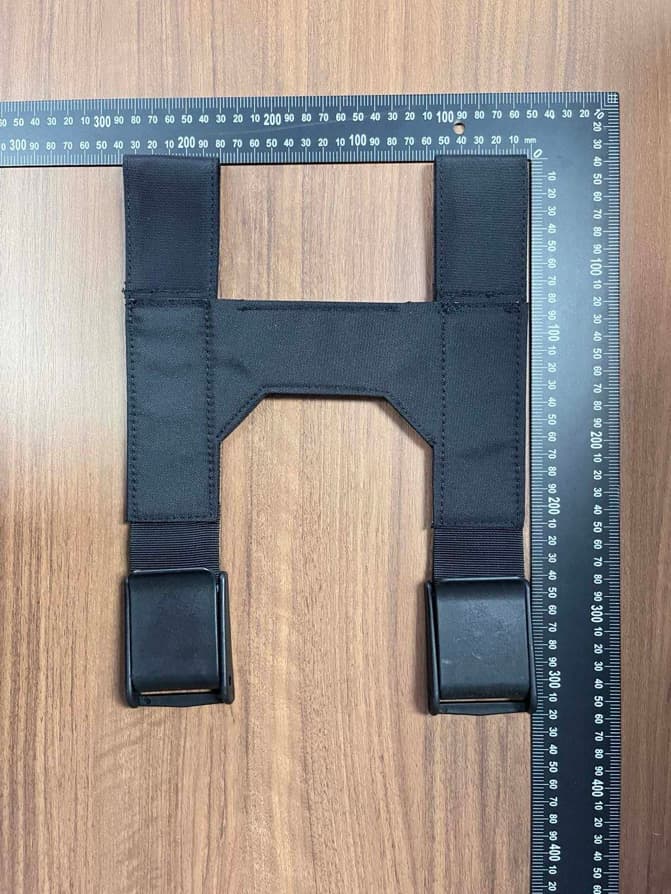
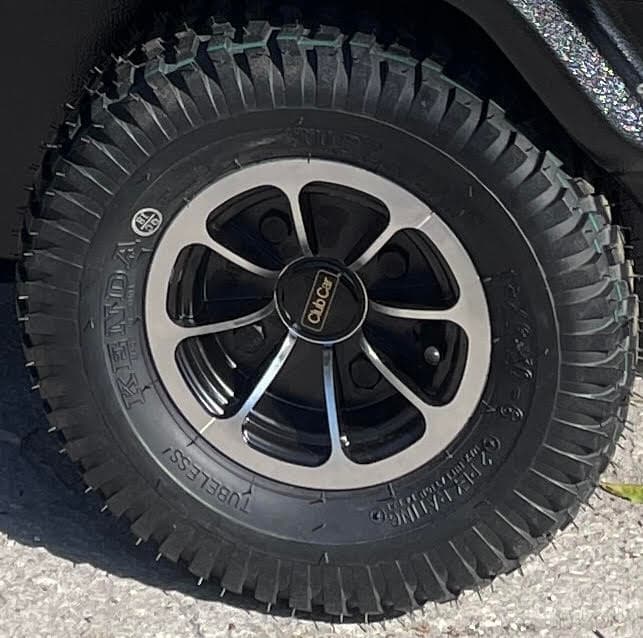
Worn casters cause drift on uneven terrain — the most common wear item on rental fleets.
Inquire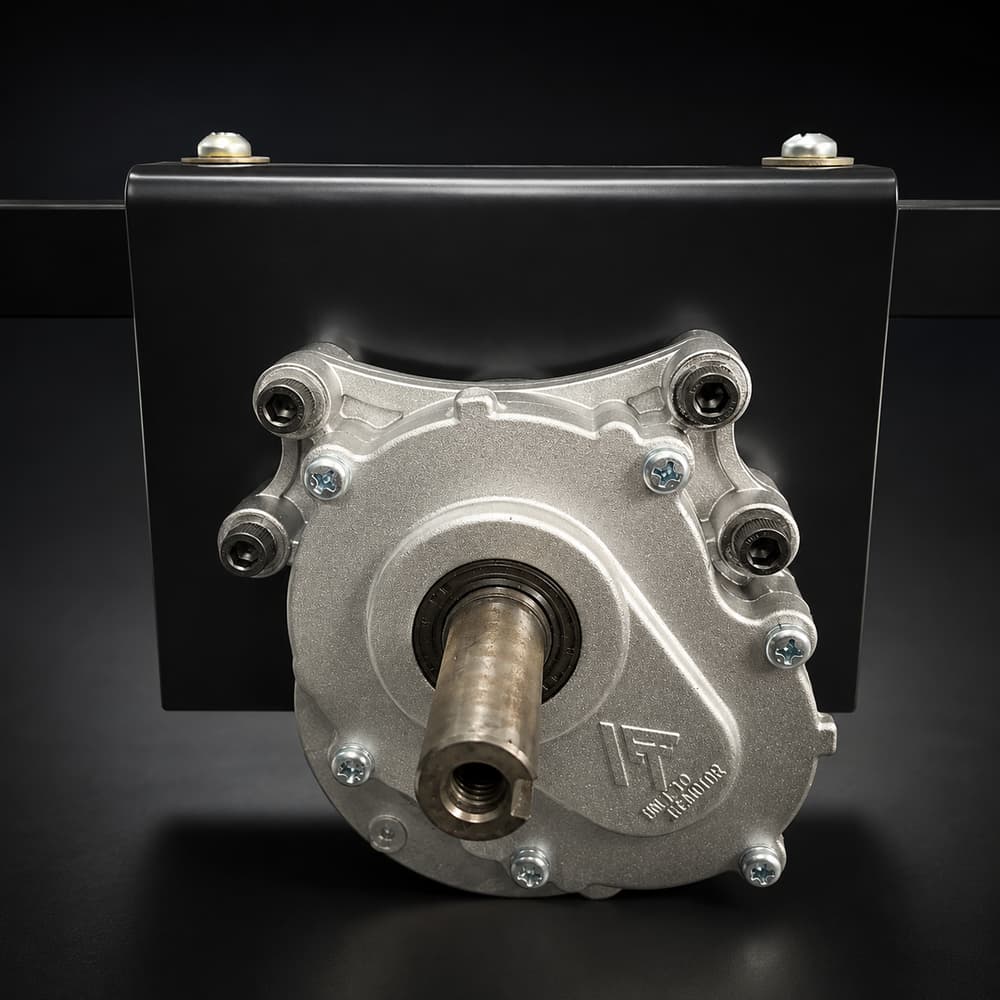
Genuine OEM drive motor. Direct-fit swap when a unit loses power or drives slow.
InquireText a photo to 980-349-8156 — we’ll match the exact SKU for you.
From daily prep to advanced diagnostics and part replacement. Every video under 10 minutes, shot on real units by the team that builds them.
Yes. Rover handles slopes up to 25 degrees and uses ultrasonic sensors plus dynamic braking to maintain control on downhills. For extreme terrain (links courses with severe drop-offs or tight cart paths), we recommend talking to our team about course-specific calibration during onboarding.
A full charge powers 36 holes on standard terrain — enough for two 18-hole rounds with margin to spare. Hilly courses or hot weather may reduce range by 10–15%. Charge time is 4–6 hours from empty.
That’s Rover’s hands-free safety feature, not a malfunction. When a golfer turns to face the unit, Rover pauses for 3 seconds before resuming follow mode. This prevents accidental movement when you’re standing still or addressing a shot. Train staff and members during onboarding — this is the #1 source of customer questions.
Yes. Rover units are not locked to a specific course. They work anywhere — your home club, away rounds, even at courses without prior Rover setup. Master Caddies features (course-specific GPS, hole strategy) work on any of our 17,000+ mapped U.S. courses.
New Rover units (2.0 and 3.0) come with a 4-year warranty on major components — motors, batteries, electronics, and frame. Refurbished Rover 3.0 units come with a 1-year limited warranty. Wear items (straps, sleeves, casters) are not covered but are inexpensive and easy to replace yourself.
Fully charge the battery, then flip the circuit breaker to the OFF position. That’s it. Store in a dry space at 40–70°F.
Master Caddies is a new product and we’re shipping updates constantly. If something isn’t working, tell us — most issues are fixed in the next release.
Check your phone permissions first — 80% of issues trace back to a missed permission. Master Caddies needs: Location · Always (course detection, live yardages) · Bluetooth (Rover speakers, AirPods, Apple Watch) · Microphone (voice questions) · Camera (coming soon — swing recording and shot capture). On iPhone: Settings → Master Caddies → enable all. On Android: Settings → Apps → Master Caddies → Permissions.
Master Caddies detects your course by GPS when you arrive. If detection fails, tap Start Round in the app and search by course name. If your course isn’t in the list, it may not be mapped yet — tap Tell My Course About Master Caddies to put it on our roadmap.
Most voice dropouts are Bluetooth issues. Check that your AirPods, watch, or Rover speaker are still connected, and that your phone isn’t on silent. If voice is still missing, exit and restart the round — your hole, score, and yardages will resume where you left off.
Yardages are calculated from your phone’s GPS. Accuracy improves when your phone has a clear sky view (not buried in your bag). If yardages are consistently off at a specific course, that course may need a re-survey — tap Report a Bug below and tell us which course and which hole.
Rounds save automatically when you tap Finish Round. If you closed the app mid-round, open Master Caddies and look in Round History — unfinished rounds appear with a ‘Resume’ prompt for 24 hours. After that, the round is held in our system for 30 days — contact support and we can recover the scorecard.
We read every suggestion. Tap Request a Feature below or email features@followrover.com. The most-requested features make it into the next quarterly roadmap — and you’ll get an email when yours ships.
Bug, missing course, or feature idea — every message reaches the build team directly.
Our service team handles remote diagnostics, fast parts shipping, and on-site support through our authorized service network. Most issues resolved in 1–2 business days.